Loading models...
Seedream 5 Pro
Best for
Complex infographics, precise visual control, multilingual text, and realistic imagery.
Output controls
Eight aspect ratios with Basic 1K or High 2K output in PNG or JPEG.
 PhotoPea
Use PhotoPea to create product shots, portraits, social visuals, and creative scenes from text prompts.
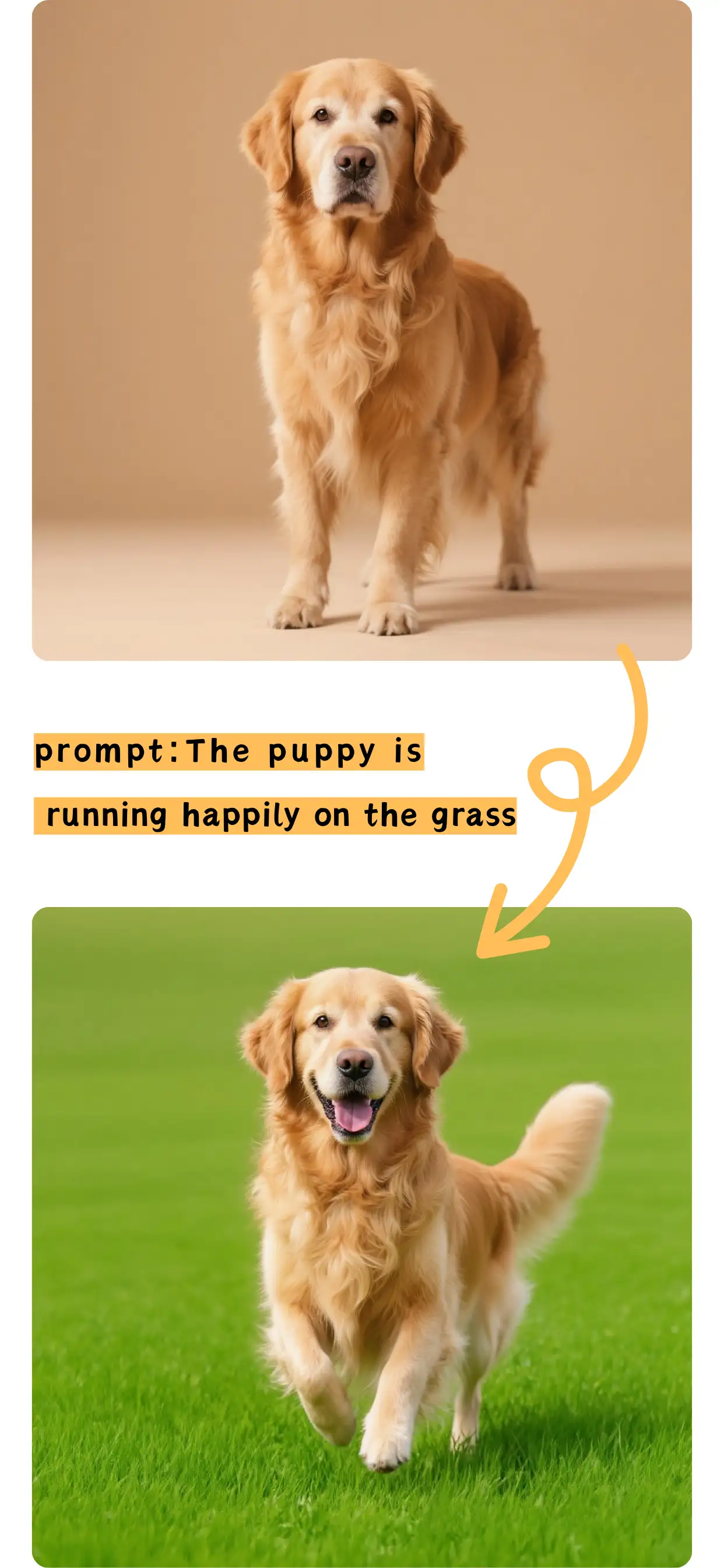
Give the model a subject, setting, visual treatment, lighting, composition, and the details that must survive.
Compare the controls and strengths available for the current text-to-image workflow.
Complex infographics, precise visual control, multilingual text, and realistic imagery.
Eight aspect ratios with Basic 1K or High 2K output in PNG or JPEG.
Detailed instructions and strong prompt following.
Flexible ratios with 1K, 2K, and 4K output.
Complex layouts, text, and premium generation.
Flexible ratios, 1K to 4K, and PNG or JPG.
Keep the workflow focused and refine only the settings that matter.
Write the subject, scene, style, lighting, composition, and important details.
Select a model, aspect ratio, resolution, quality, and output format when available.
Create the image, review the result, and download it or find it in your history.
Answers about prompts, models, formats, character limits, and saved results.
An AI photo generator turns a written description into a new image. Describe the subject and visual direction, choose supported output settings, then generate the result.
Return to the generator with a prompt, choose the right model, and create your image.