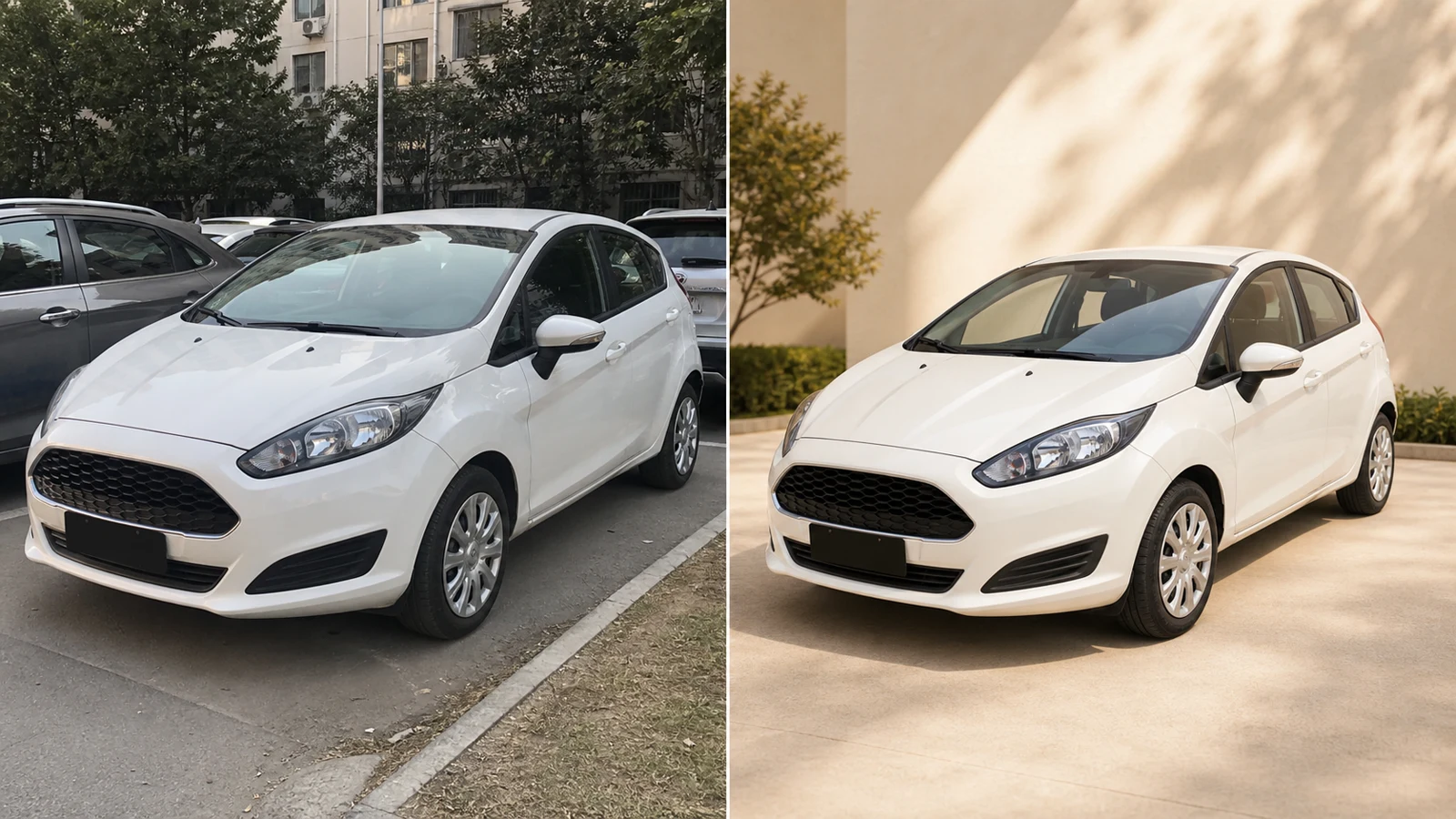
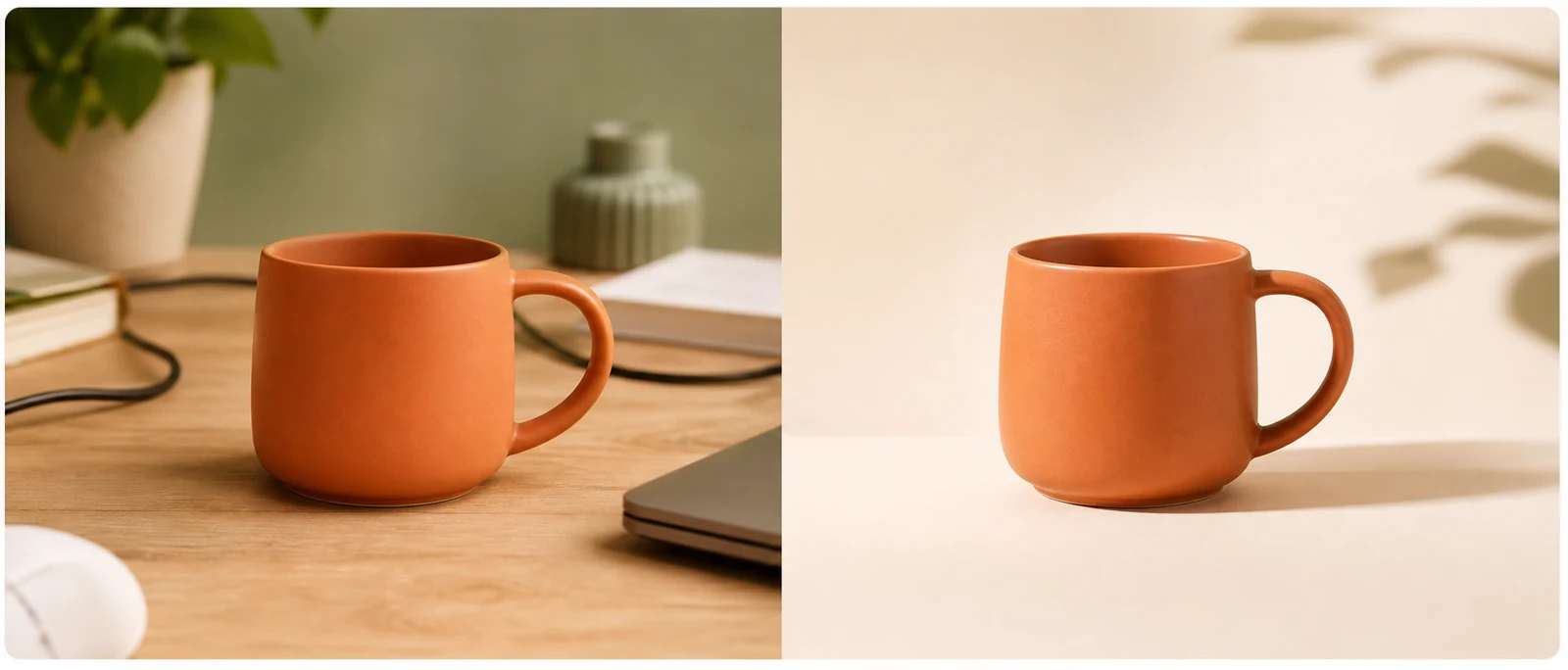
Before
After
Replace Backgrounds
Create clean studio, lifestyle, or branded backgrounds.
 PhotoPea
Edit photos with prompts or combine multiple reference images using leading AI models.
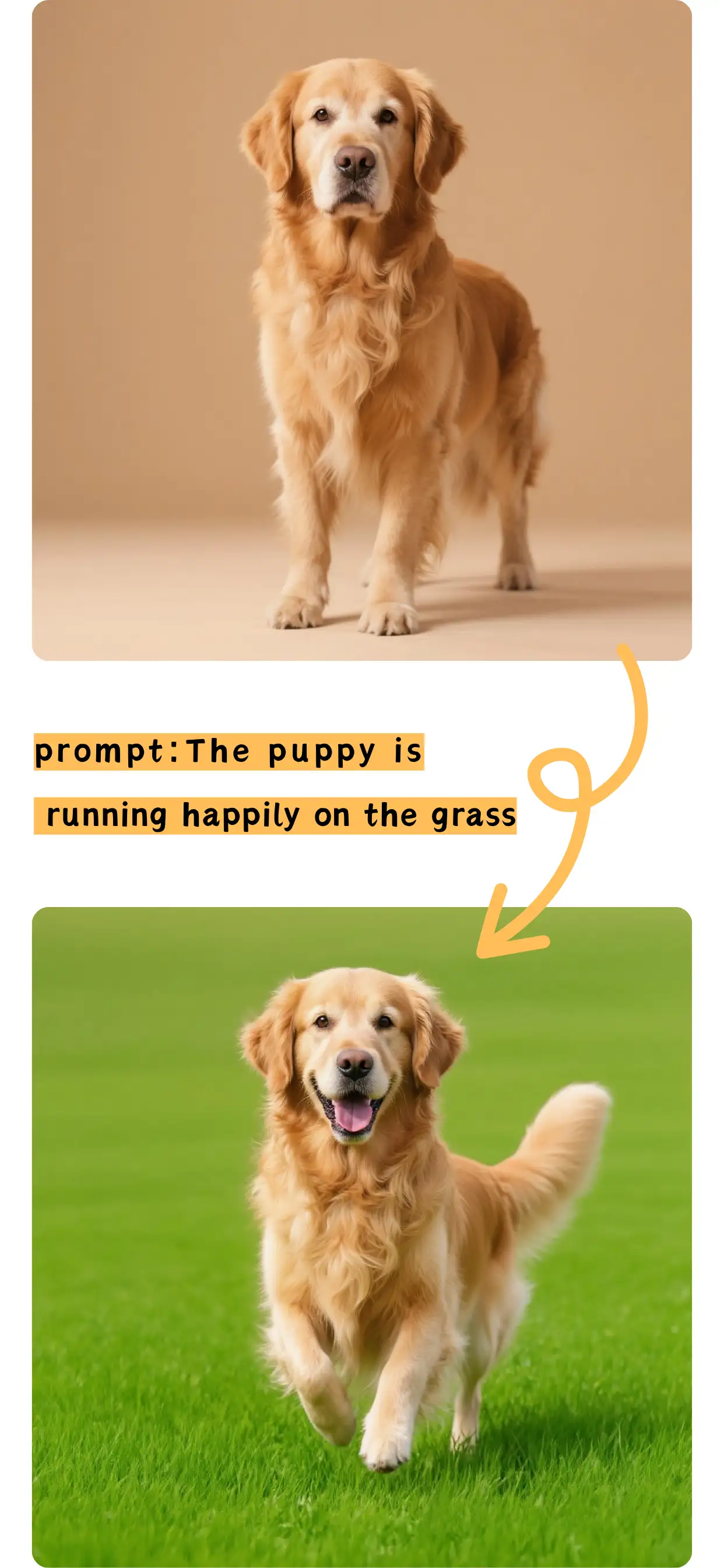
Make precise photo edits without complex software.
Create clean studio, lifestyle, or branded backgrounds.
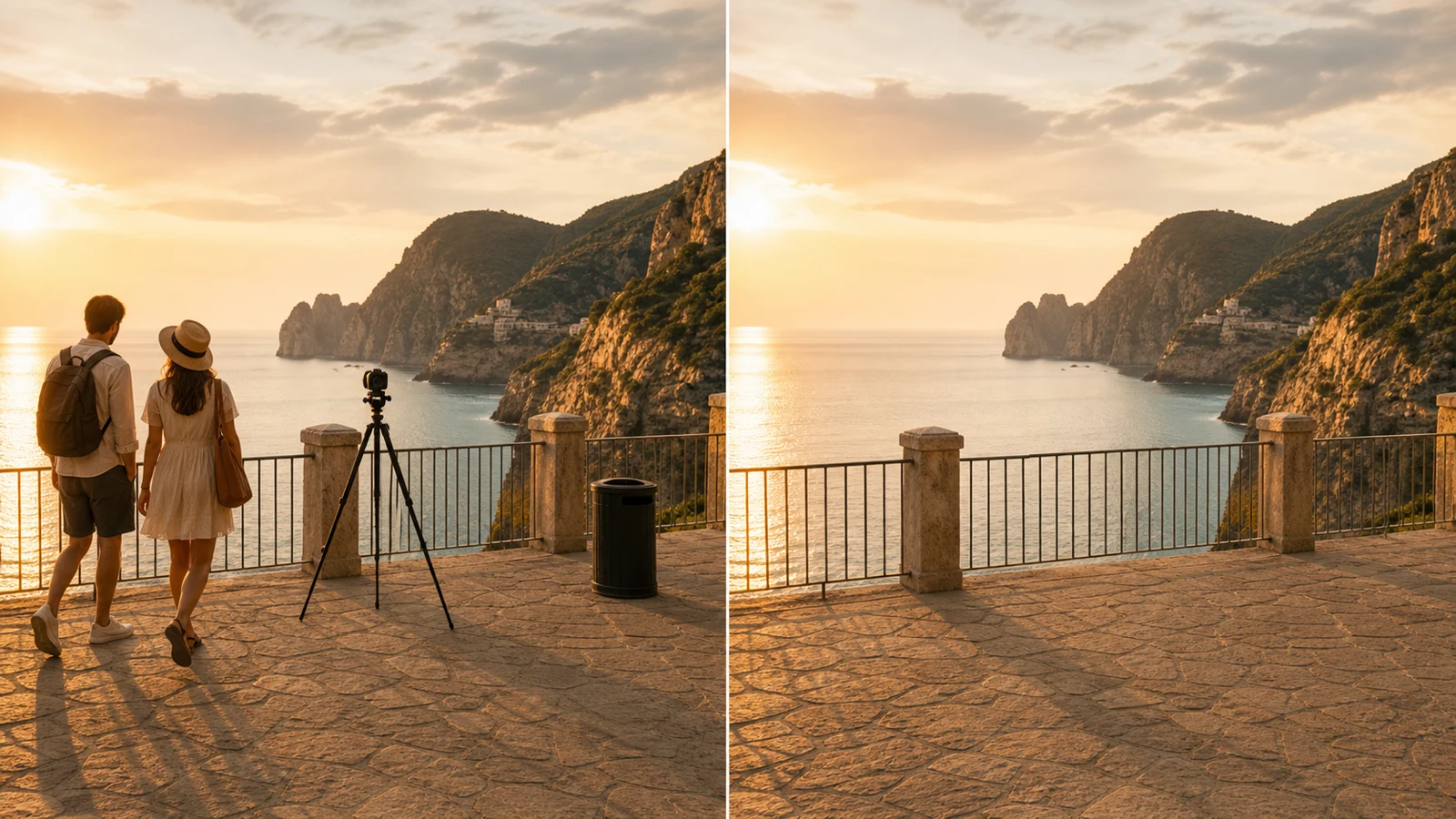
Erase unwanted elements and rebuild the surrounding image.
Remove unwanted objects from your photos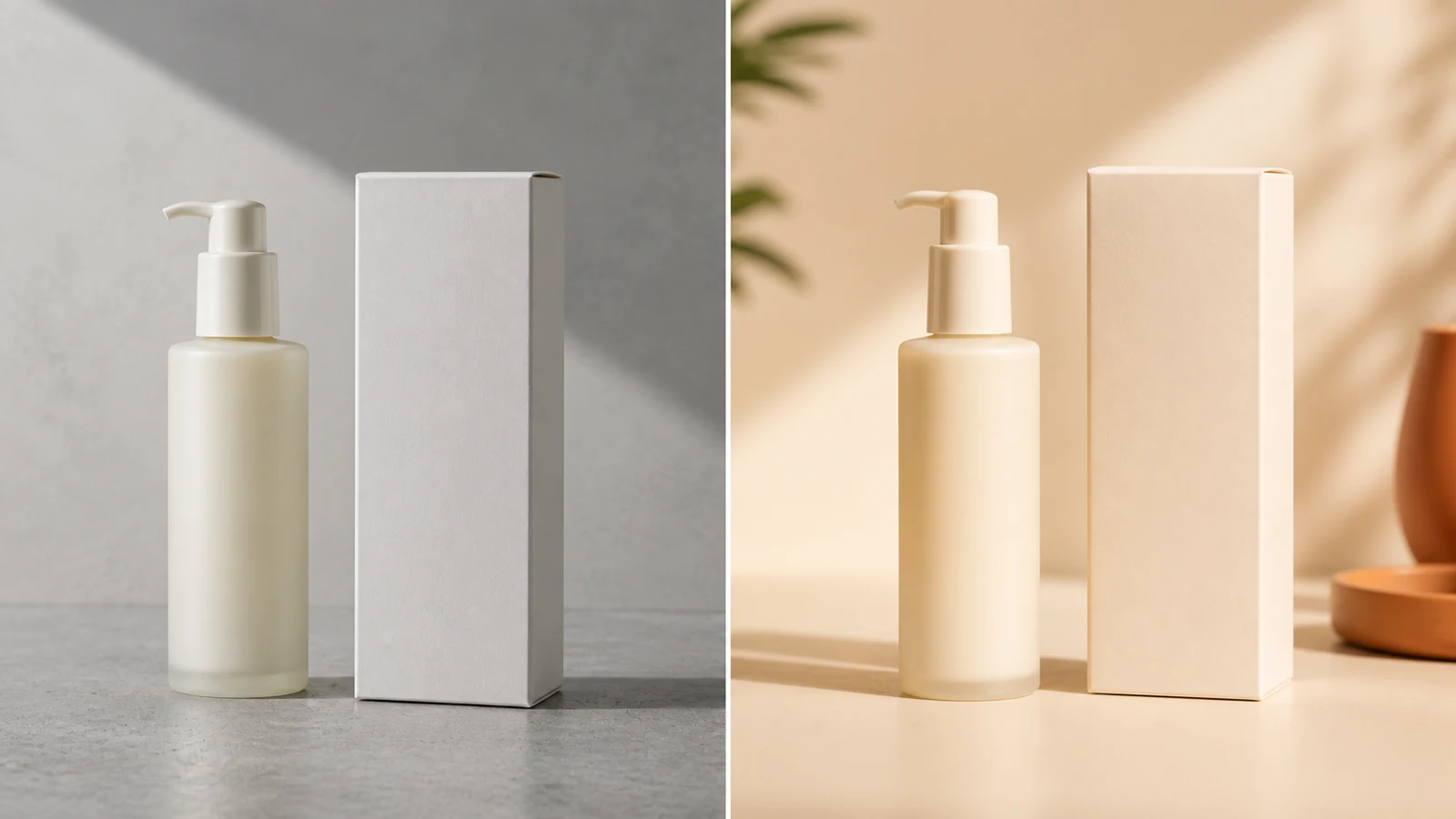
Improve backgrounds, shadows, and ecommerce presentation.
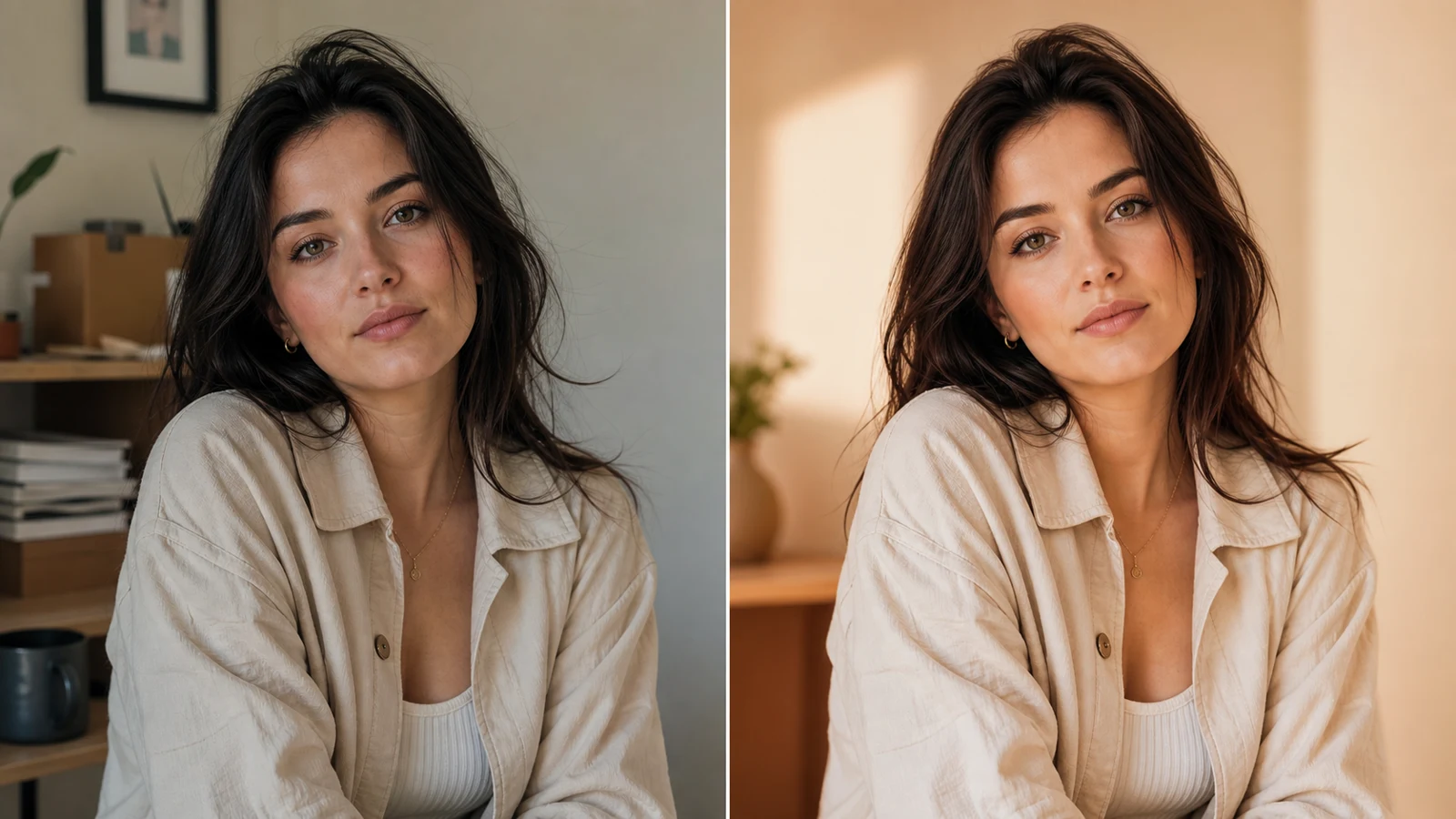
Adjust hair, clothing, lighting, and surroundings naturally.
Choose focused editing or blend multiple visual references.
Replace, remove, retouch, or restyle one image.
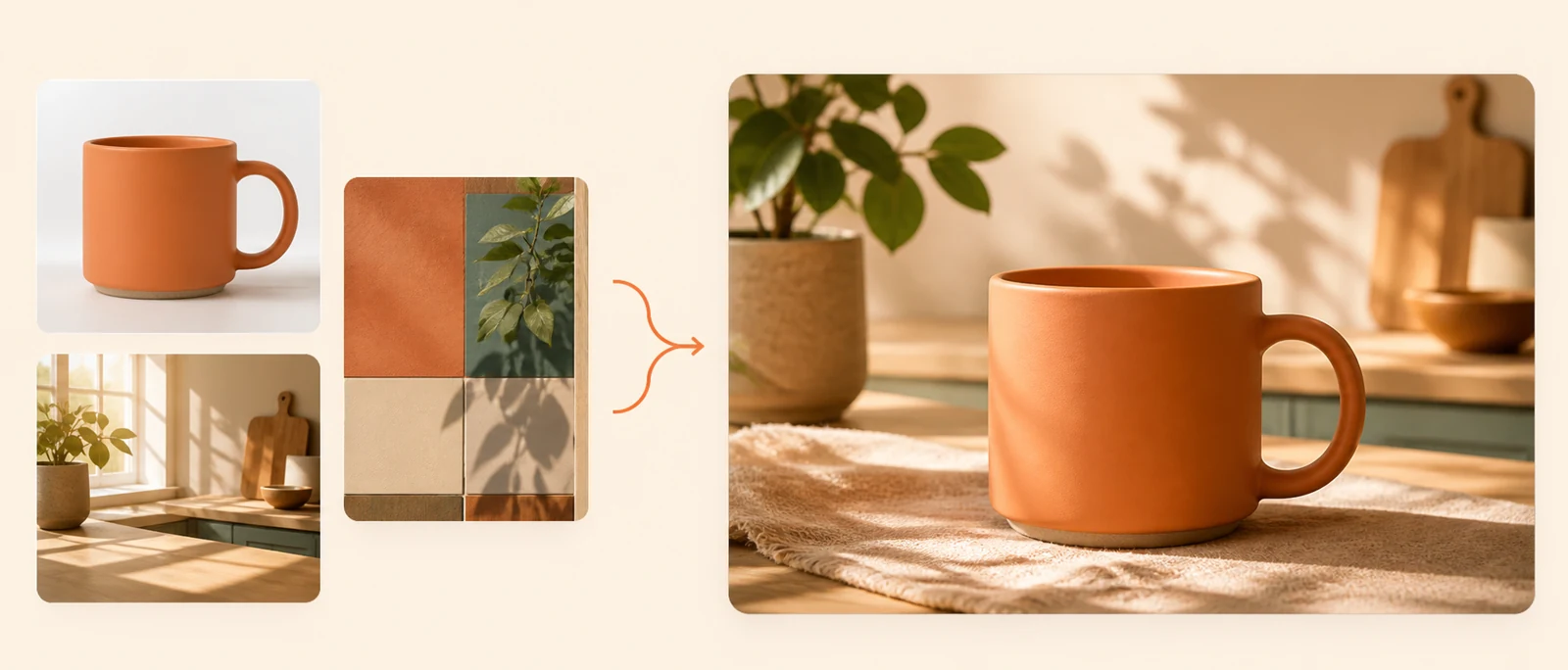
Combine subjects, backgrounds, products, and styles.
Compare models by speed, accuracy, detail, and reference support.
Best for detailed edits and multiple references.
Fast, affordable editing for everyday tasks.
Handles detailed prompts and complex edits.
Strong for text, layouts, and character consistency.
Edit, compare models, and download from one workspace.
Edit one image or combine several references.
Add your source and reference images.
Describe what to change or preserve.
Review your result and download it.
Quick answers about PhotoPea, credits, models, and image editing.
PhotoPea is an online AI image editor for prompt-based edits and multi-image fusion.
Yes. New users receive 12 credits on their first login.
Yes. Upload an image and describe what you want to change.
Yes. Multi-Image Fusion combines subjects, backgrounds, products, and styles.
Choose by task: speed, prompt accuracy, image detail, or reference support.
PhotoPea supports JPG, PNG, and WebP uploads.
Completed images are saved in your private generation history.
Upload an image, write a prompt, and generate your edit.