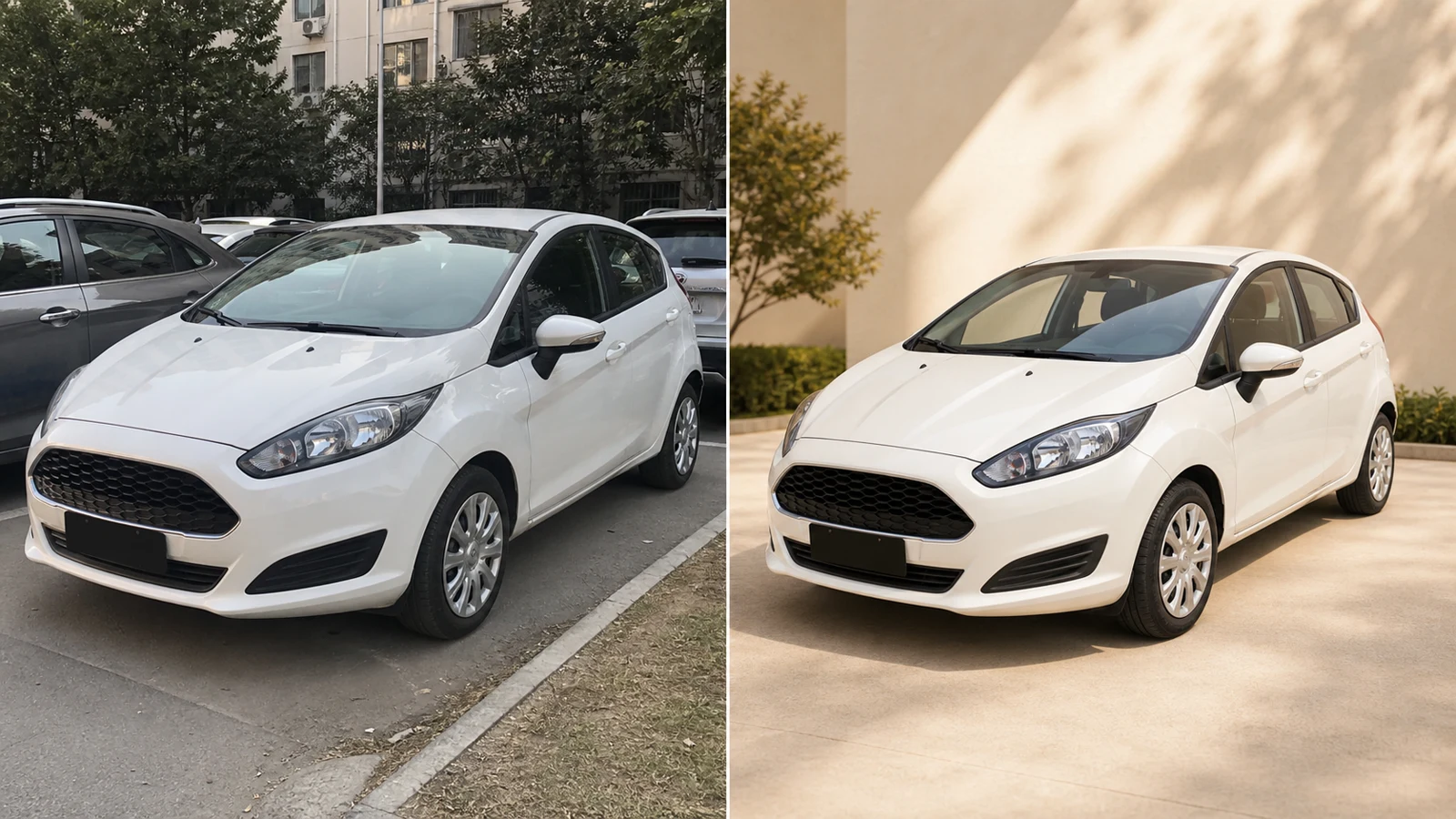
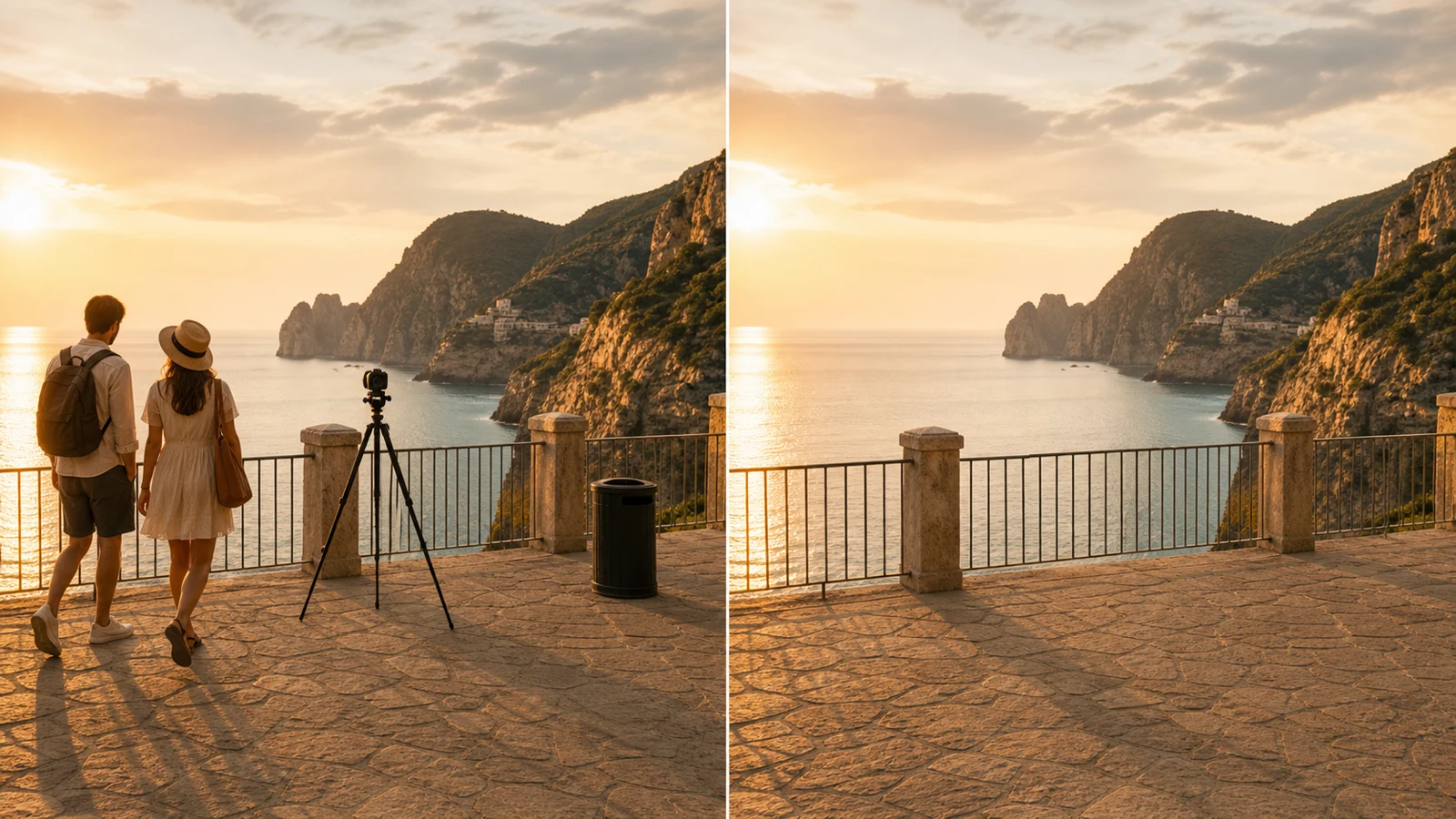
編集前
編集後
Replace Backgrounds
Create clean studio, lifestyle, or branded backgrounds.
 PhotoPea
プロンプトで写真を編集したり、主要AIモデルで複数の参照画像を合成したりできます。
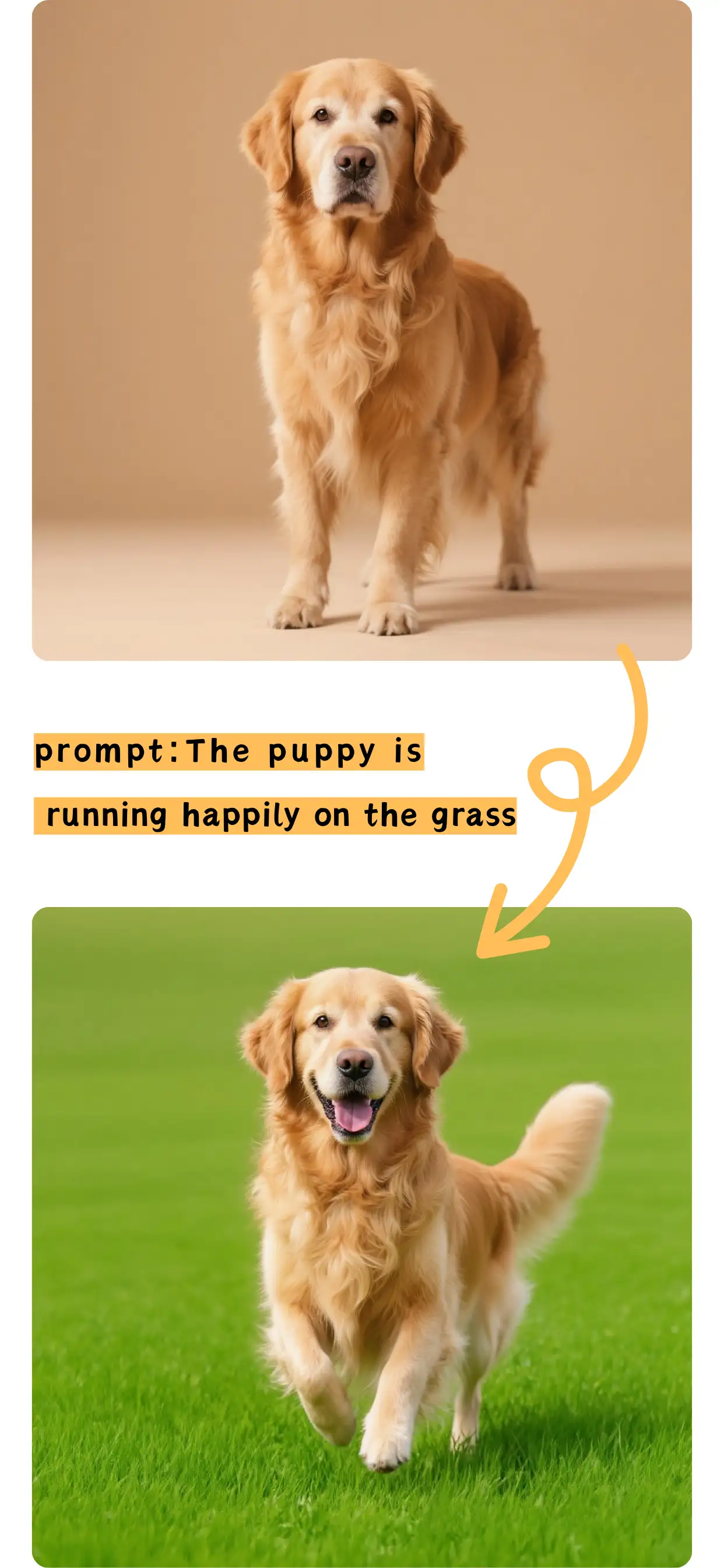
複雑なソフトなしで精密な写真編集ができます。
Create clean studio, lifestyle, or branded backgrounds.
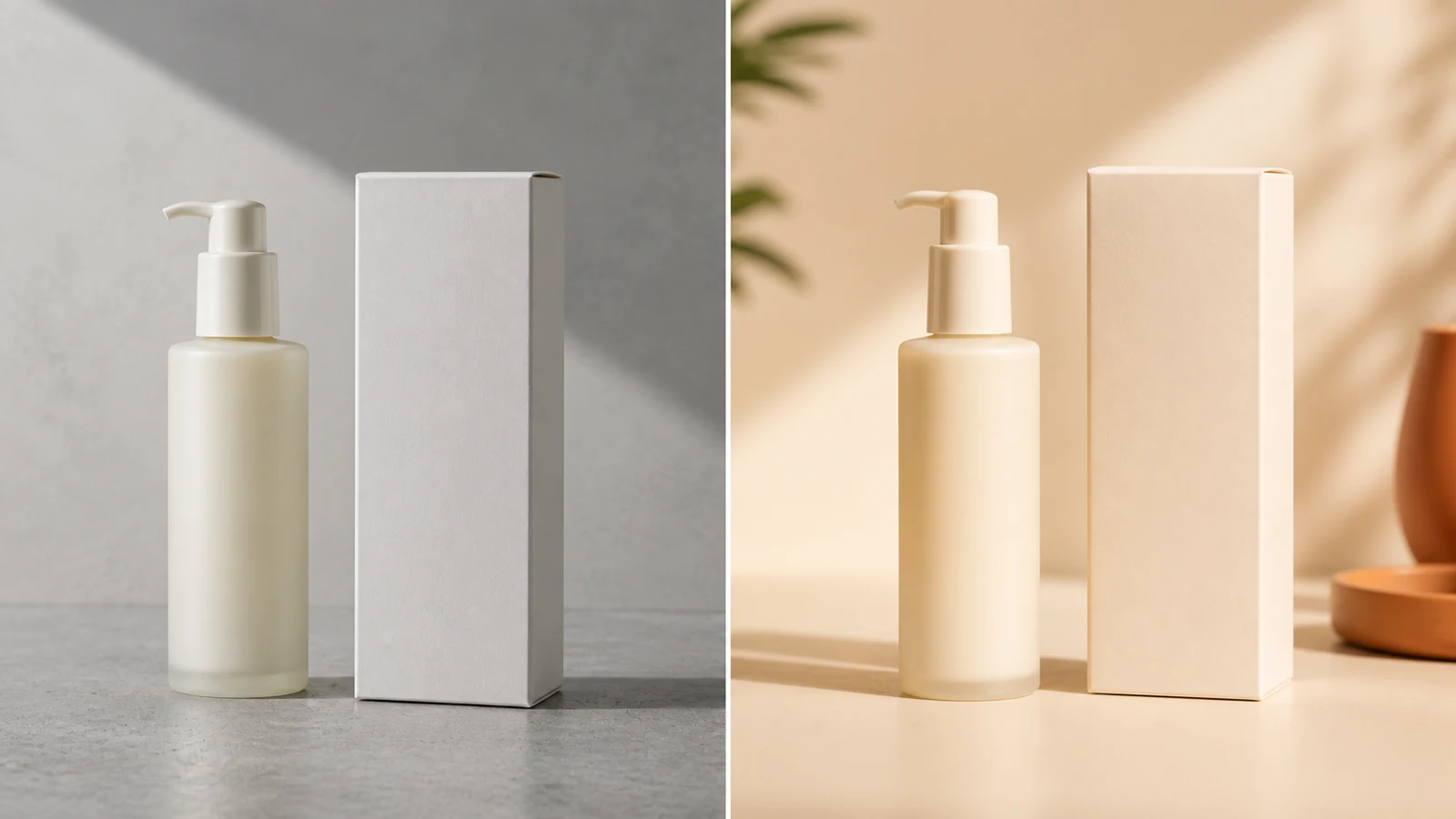
Improve backgrounds, shadows, and ecommerce presentation.
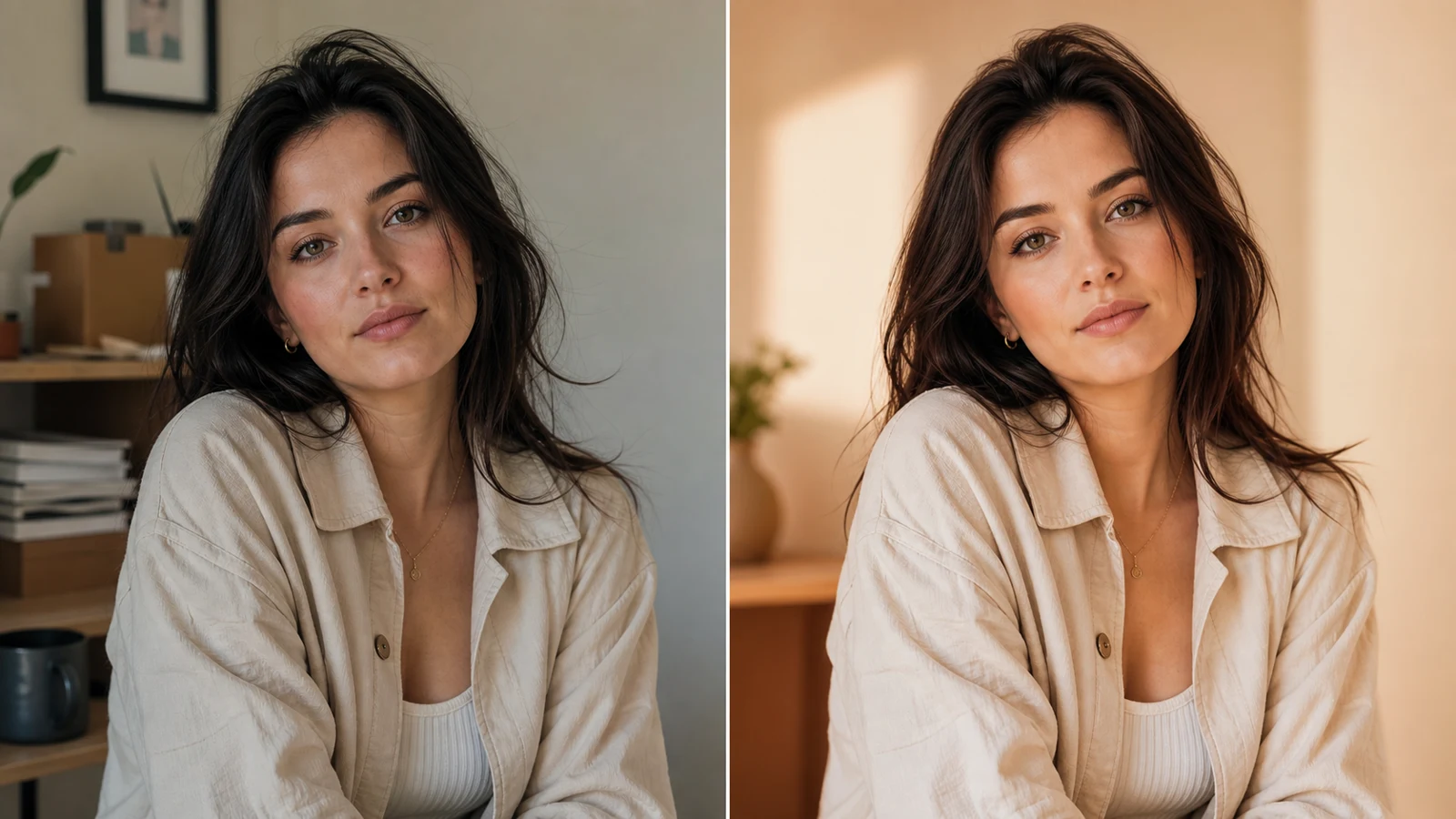
Adjust hair, clothing, lighting, and surroundings naturally.
集中した編集、または複数のビジュアル参照のブレンドを選べます。
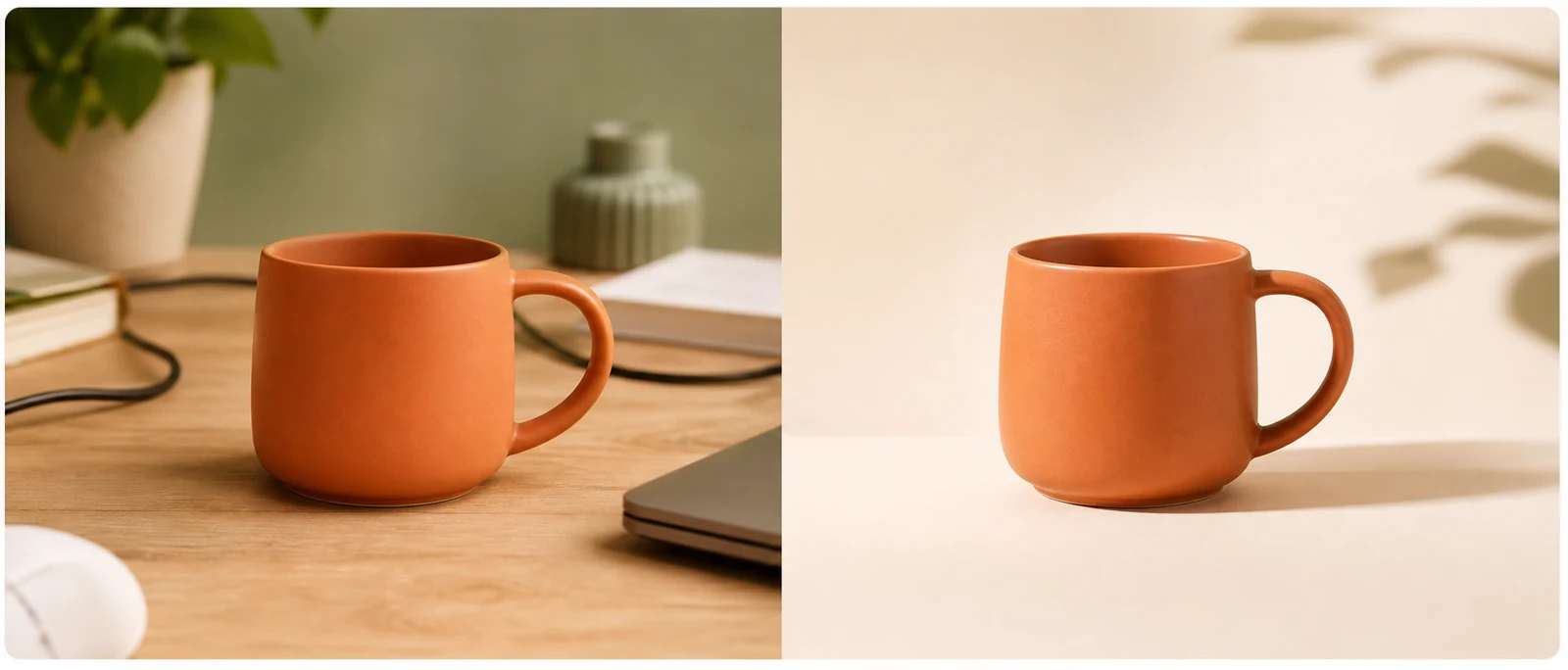
Replace, remove, retouch, or restyle one image.
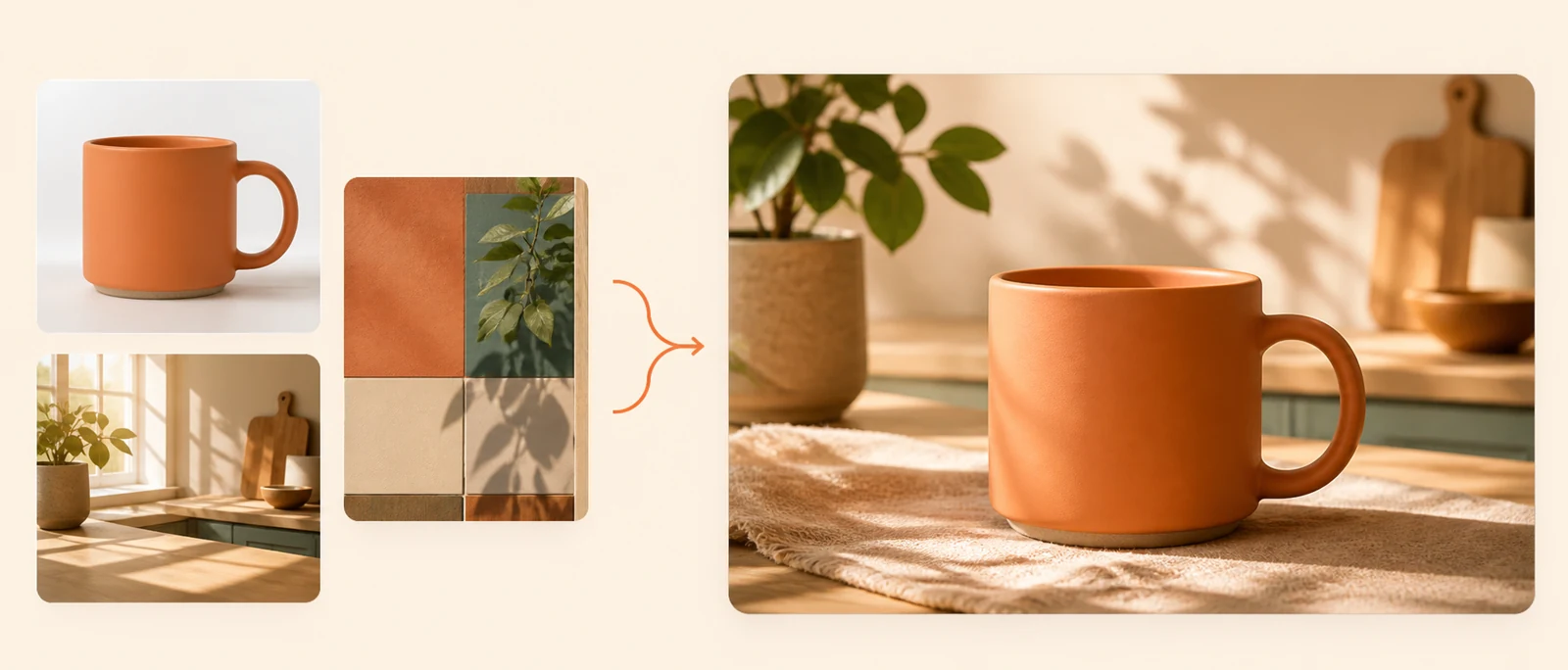
Combine subjects, backgrounds, products, and styles.
速度、精度、詳細、参照サポートでモデルを比較できます。
Best for detailed edits and multiple references.
Fast, affordable editing for everyday tasks.
Handles detailed prompts and complex edits.
Strong for text, layouts, and character consistency.
編集、モデル比較、ダウンロードを一つの作業スペースで行えます。
Edit one image or combine several references.
Add your source and reference images.
Describe what to change or preserve.
Review your result and download it.
PhotoPea、クレジット、モデル、画像編集に関する簡単な回答です。
PhotoPea is an online AI image editor for prompt-based edits and multi-image fusion.
Yes. New users receive 12 credits on their first login.
Yes. Upload an image and describe what you want to change.
Yes. Multi-Image Fusion combines subjects, backgrounds, products, and styles.
Choose by task: speed, prompt accuracy, image detail, or reference support.
PhotoPea supports JPG, PNG, and WebP uploads.
Completed images are saved in your private generation history.